
Fits the time you have
Choose from 30 seconds, 1 minute, 3 minutes, 10 minutes, 30 minutes, or 1 hour. Even on busy days, start with the time you can spare.


A LITTLE SPACE IN YOUR DAY
Work, study, messages. There is always something to look at or think about. Even a quick social media break can turn into more scrolling.
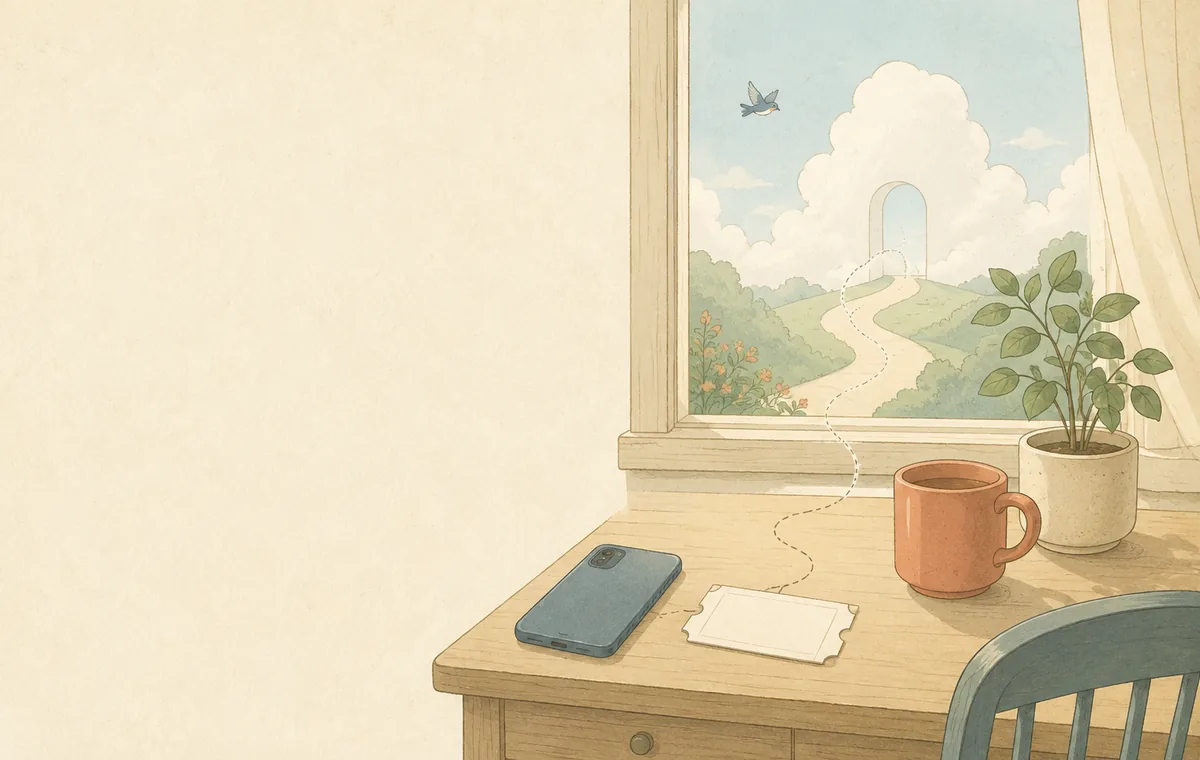
Reality Logout helps you turn “How do I take a break?” into one small action. Look out of a window. Do nothing for a moment. Find a simple way to step back from your day.
Your break does not need a big goal. Make a little space for yourself, with whatever time you have.
SMALL ACTIONS, YOUR OWN PACE
Choose a duration. Pick one small action. Give your break a clear ending. A simple routine helps you get started.
Choose from 30 seconds, 1 minute, 3 minutes, 10 minutes, 30 minutes, or 1 hour. Even on busy days, start with the time you can spare.

Choose a category to match your mood, from gentle moments to quiet observation. Not sure what to pick? Let the app choose for you.

Use the timer as a guide. Completed sessions, total time, and history are saved on your device so you can look back on the breaks you took.
HOW TO LOG OUT
ホームの「おすすめミッション」から、そのままログアウト。時間やカテゴリを自分で選ばなくても、すぐに始められます。Start your break directly from a recommended mission on the home screen. There is no need to choose a duration or category first. Screenshots show the Japanese app interface.
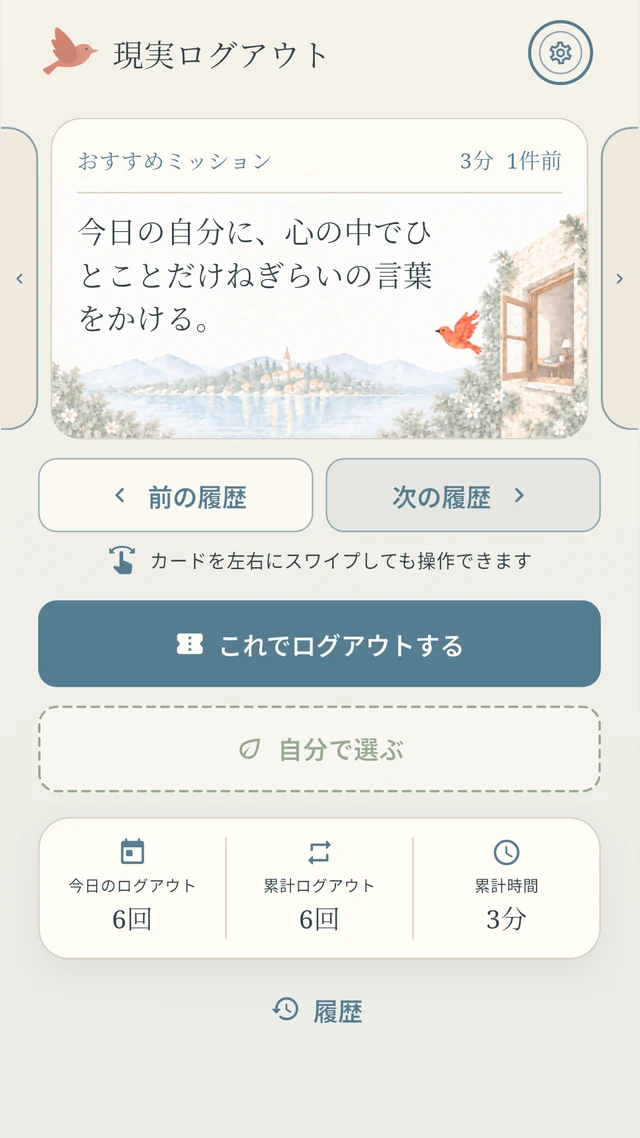
ホームのおすすめミッションを見て、内容を確認したらログアウト開始。まずは提案された小さな休憩から。Read the recommended mission on your home screen, then start your break. Begin with the small pause the app suggests.
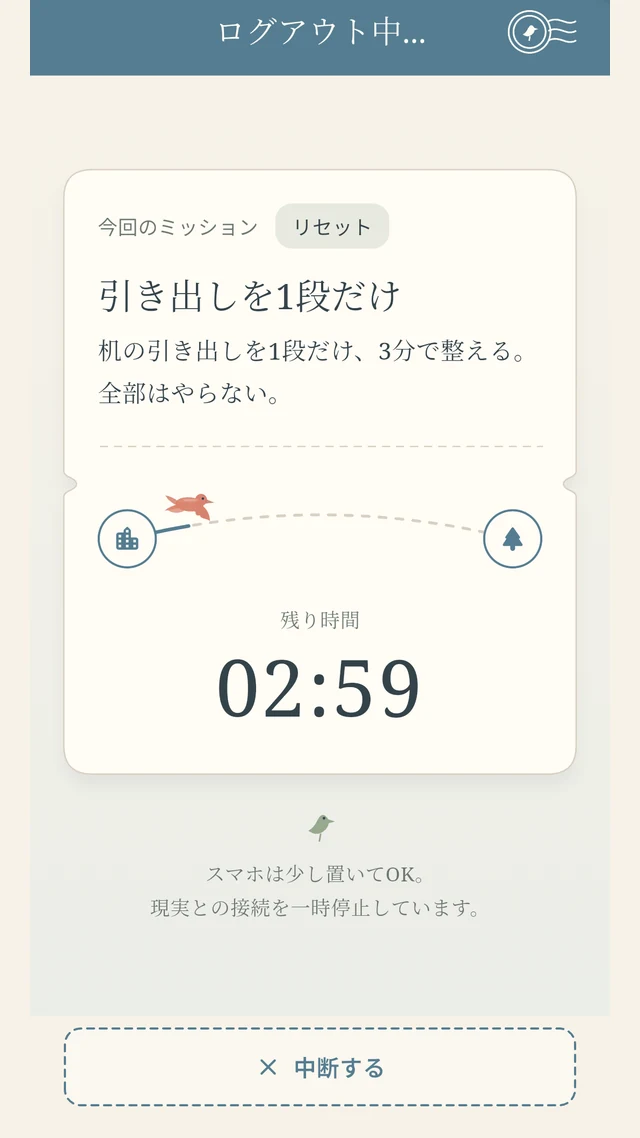
ミッションに沿って、スマホから少し離れる時間を。終わったら「ただいま現実」。完了した休憩が記録されます。Follow the mission and spend a little time away from your phone. When you finish and return, your completed break is recorded.
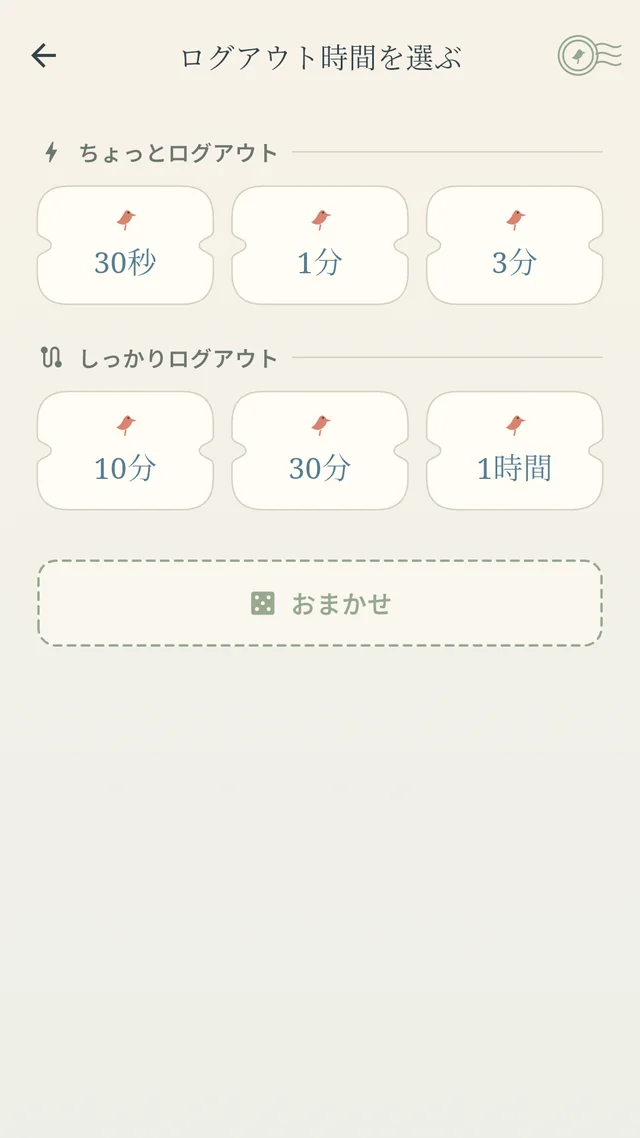
「自分で選ぶ」は、時間や気分に合わせたいときのオプションです。時間とカテゴリを選び、「人前OKだけ」で絞り込むこともできます。Choosing your own mission is optional. Select a duration and category to suit your time and mood, and use the public-friendly filter if you need it.
FIND YOUR MOMENT
No special setup needed. Find a short break that fits your day.
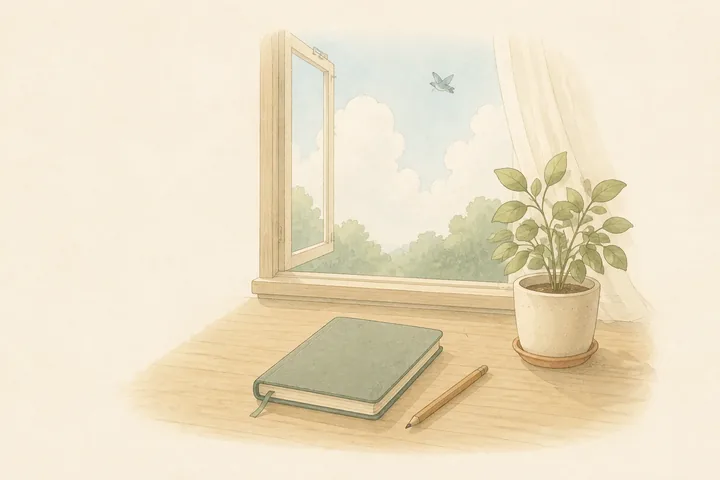 BETWEEN WORK OR STUDY
After looking at a screen for a while, look away. Take a short pause before moving on to your next task.
An example from the app, translated from Japanese
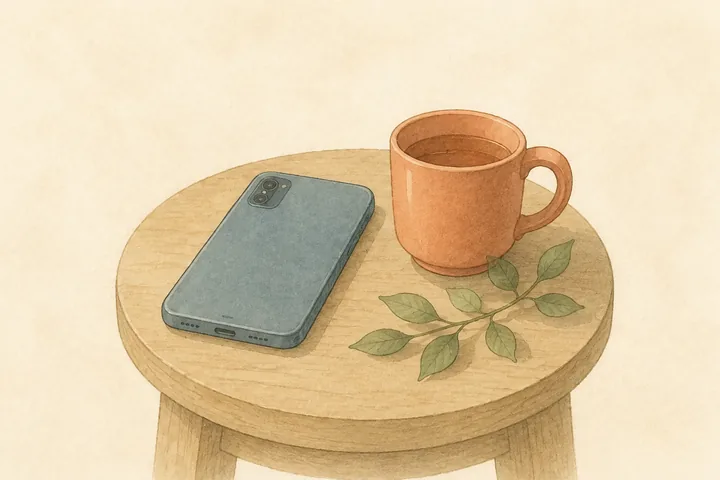 WHEN YOU REACH FOR SOCIAL MEDIA
Try a different choice in an idle moment. Decide on one small action and use it as a reason to put your phone down.
An example from the app, translated from Japanese
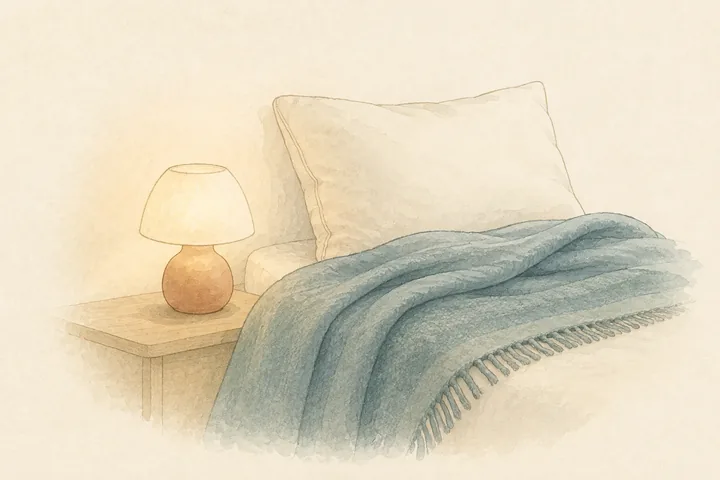 AT THE END OF THE DAY
Choose a quiet mission from the bedtime category. Step away from the day’s information and take a moment for yourself.
An example from the app, translated from Japanese
QUESTIONS & ANSWERS
It is an app that helps you start a short break. Get a small mission based on your time and mood, then step away from your phone for a while.
Choose 30 seconds, 1 minute, 3 minutes, 10 minutes, 30 minutes, or 1 hour. Start small and pick a duration that fits your schedule.
Missions are small everyday actions, such as looking out of a window or doing nothing. When you choose your own mission, you can request another one on its confirmation screen if it does not suit your mood.
Use the public-friendly filter on the category screen to narrow down the missions. Always check your surroundings and take your break somewhere safe.
Yes. You can stop from the timer screen. Interrupted sessions are not recorded. If something comes up, simply return to your day.
No account is needed. Completed session counts, total time, and history are stored on your device. Please see the privacy policy for information about data handling.
Reality Logout
Step away for a little while. Come back when you are ready.
Take a break at your own pace.